
Magnific (Freepik)
All-in-one creative suite combining AI and premium stock assets. Designers, marketers, and creators can generate and edit images, videos, and more with ease.



Overview
Magnific (formerly Freepik) is a creative platform packed with AI tools and a vast collection of stock images, videos, templates, and icons. Launched in 2010 by Alejandro Sánchez, Pablo Blanes, and Joaquín Cuenca, it started as a simple search engine but changed into a full design resource hub.
Freepik renamed to Magnific in April 2026. It started in 2010 as a graphic search tool.
It grew into a full AI tool set for image video audio, plus 250M+ stock files. Around 1M users use it, from solo creators to studios.
The old name didn’t match anymore. Magnific now better reflects a single place for visual work with more control and range.
Magnific is constantly growing its features to help creators work faster and better. Whether you’re a designer, marketer, or content creator, it’s got tools to bring your ideas to life.
Tags
Freemium Proprietary License Web-based #Creative AI SuitesLinks
- API Availability
- Camera Controls
- Custom Voice Creation
- Image To Vector (SVG)
- Image-to-Video
- Lip Sync (From Video)
- LoRA Training
- Mockups Generation
- Restyle (Image)
- Text To Sound Effect
- Text To Video
- Upscaler (Image)
- Video Templates
- Video Upscaling
- Visual Prompts (Draw-to-Video)
- Visual Prompts (Image-to-Image)
Video Effects, Templates, Transformations
This tool offers the following AI models:
- Eleven v3 (alpha)
- Flux 1.1
- FLUX Kontext [Max]
- Flux Kontext [Pro]
- FLUX.2 [flex]
- FLUX.2 [pro]
- Gemini 2.5 Flash
- GPT Image 1.5
- GPT Image 2.0
- GPT‑4o
- Hailuo 01
- Hailuo 01 Live
- Hailuo 01 Reference
- Hailuo 01-Director
- Hailuo 02
- Hailuo 2.3
- HappyHorse 1.0
- Ideogram 3.0
- Ideogram Character
- Imagen 3
- Imagen 4
- Imagen 4 Ultra
- Kling 1.6 Elements
- Kling 1.6 Pro
- Kling 2.0
- Kling 2.1
- Kling 2.1 Master
- Kling 2.5 Turbo
- Kling 2.5 Turbo Standard
- Kling 2.6
- Kling 2.6 Motion Control
- Kling Motion Control 3.0
- Kling O1 Omni
- Kling O3 Omni
- LTX-2
- LTX-2 Fast
- Luma Ray2
- Nano Banana 2
- Nano Banana Pro
- Pixverse V4.5
- PixVerse V5
- PixVerse V5.5
- PixVerse V6
- Qwen Image Edit
- Recraft V4
- Runway Act-Two
- Runway Gen-4
- Runway's Gen-4 Image
- Seedance 1.0 Lite
- Seedance 1.0 Pro
- Seedance 1.0 Pro Fast
- Seedance 1.5 Pro
- Seedance 2.0
- Seedream 3.0
- Seedream 4.0
- Seedream 4.5
- Seedream 5.0 Lite
- Sora 2
- Veo 2
- Veo 3 Fast
- Veo 3 Quality
- Veo 3.1
- Veo 3.1 Fast
- Wan 2.2
- Wan 2.6
- Wan2.2 Animate
- Z-Image Turbo
This list may not be exhaustive as new models keep dropping and are added to platforms all the time.
People using Freepik AI have a mix of opinions. Some love the tools, saying it's the best AI purchase they've made, while others feel some features don’t work as expected. The image generator and upscaler get a lot of praise, but video generation and some design tools still need work.
What Users Like:
- Great value for money. Many users say the subscription is worth it, especially with discounts.
- AI models improving fast. The Flux 1.1 Pro and Mystic models are well-received for high-quality images.
- Custom Styles and Characters. People appreciate the ability to create unique styles and consistent character designs.
- Reimagine and Sketch to Image. Users find these tools useful for creative workflows.
- Upscaler is a standout. Many say this feature alone makes Freepik worth it.
What Users Don't Like:
- Video generation is slow and unreliable. Some say it takes much longer than expected or fails frequently.
- Interface is messy. A few users complain that the UI on both web and mobile is confusing.
- Style consistency is lacking. Artists trying to generate work in specific styles (cubism, expressionism, etc.) say the AI struggles to stay true to those styles.
- Some editing tools feel limited. Features like turning an image into "clay style" don't work as expected.
- The Expand tool needs work. Some users notice lighting inconsistencies when expanding images.
Source: [ Reddit ]
After using Freepik AI heavily for a month (burning through 100k+ credits), it’s clear the platform has a lot to offer. Mystic 2.5 is the standout model for realistic fantasy images, beating Flux realism hands down. Text-to-image tools are top-tier, and character reference training is solid, though pricey at 5,500 credits. The upscaler and expand feature work flawlessly, making Freepik a great tool for high-quality images.
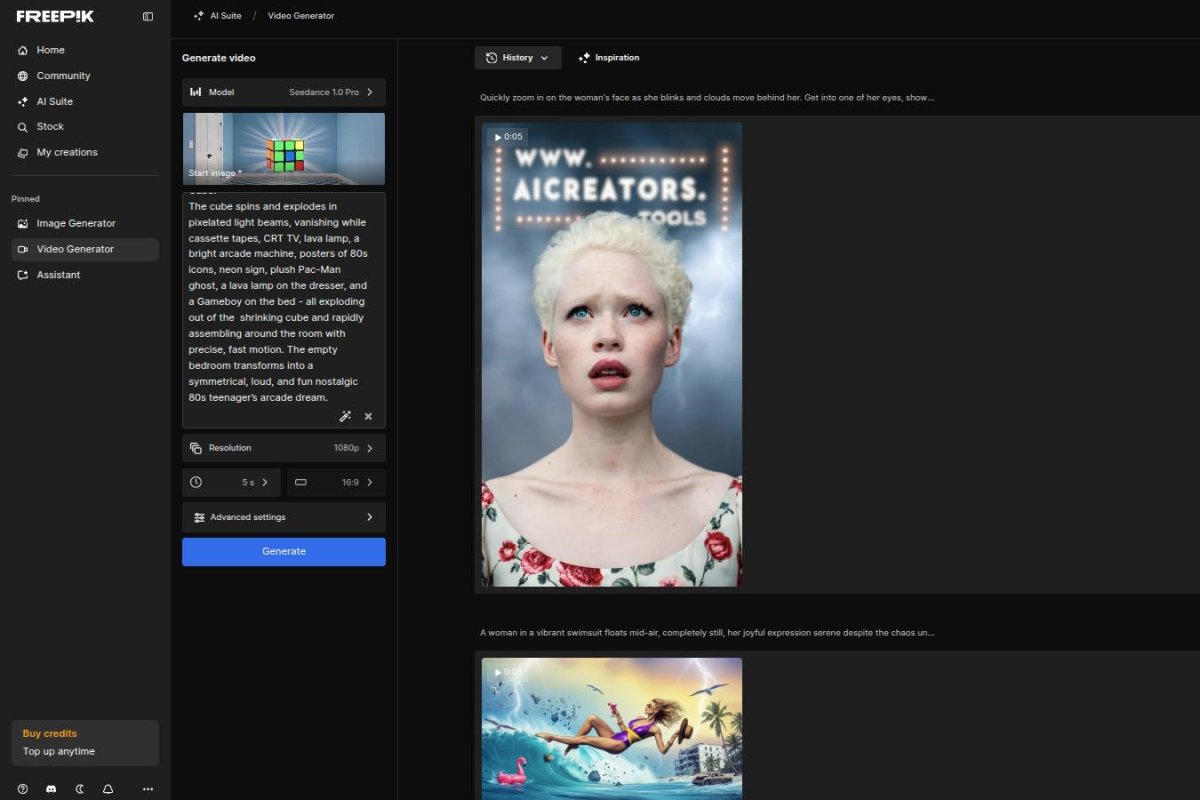
Video generation is decent but inconsistent. Freepik offers multiple models like Kling, Luma, and Hailuo, but results vary. Kling 1.6 is great for natural motion, but lip sync is still hit-or-miss and generates glitches. Some video tools perform better on their original platforms, making Freepik’s version feel limited.
Inpainting and Sketch-to-Image are useful but not game-changing. Inpainting works best on the quick setting, and sketch-based image generation produces decent results. Adding multiple characters to an image is frustrating—you have to generate one, then manually inpaint the rest.
Biggest annoyances? AI moderation and video bugs. The system overblocks NSFW content, making even basic fight scenes impossible. There’s also a video folder bug where newly generated content appears broken until you refresh the page.
Despite these issues, Freepik AI is worth it—especially if you need high-quality images fast. Mystic 2.5 alone makes it a great pick for fantasy artists. If you’re unsure, start with the cheapest plan and see if it fits your needs.
Source: [ Reddit ]
Generated on May 3, 2026:
Generated on May 3, 2026:
Generated on April 29, 2026:
Generated on April 28, 2026:
Generated on April 28, 2026:
Generated on April 28, 2026:
Generated on April 28, 2026:
Generated on April 28, 2026:
Generated on April 28, 2026:
Generated on April 28, 2026:
Generated on April 28, 2026:
Generated on April 22, 2026:

Generated on April 22, 2026:

Generated on April 22, 2026:
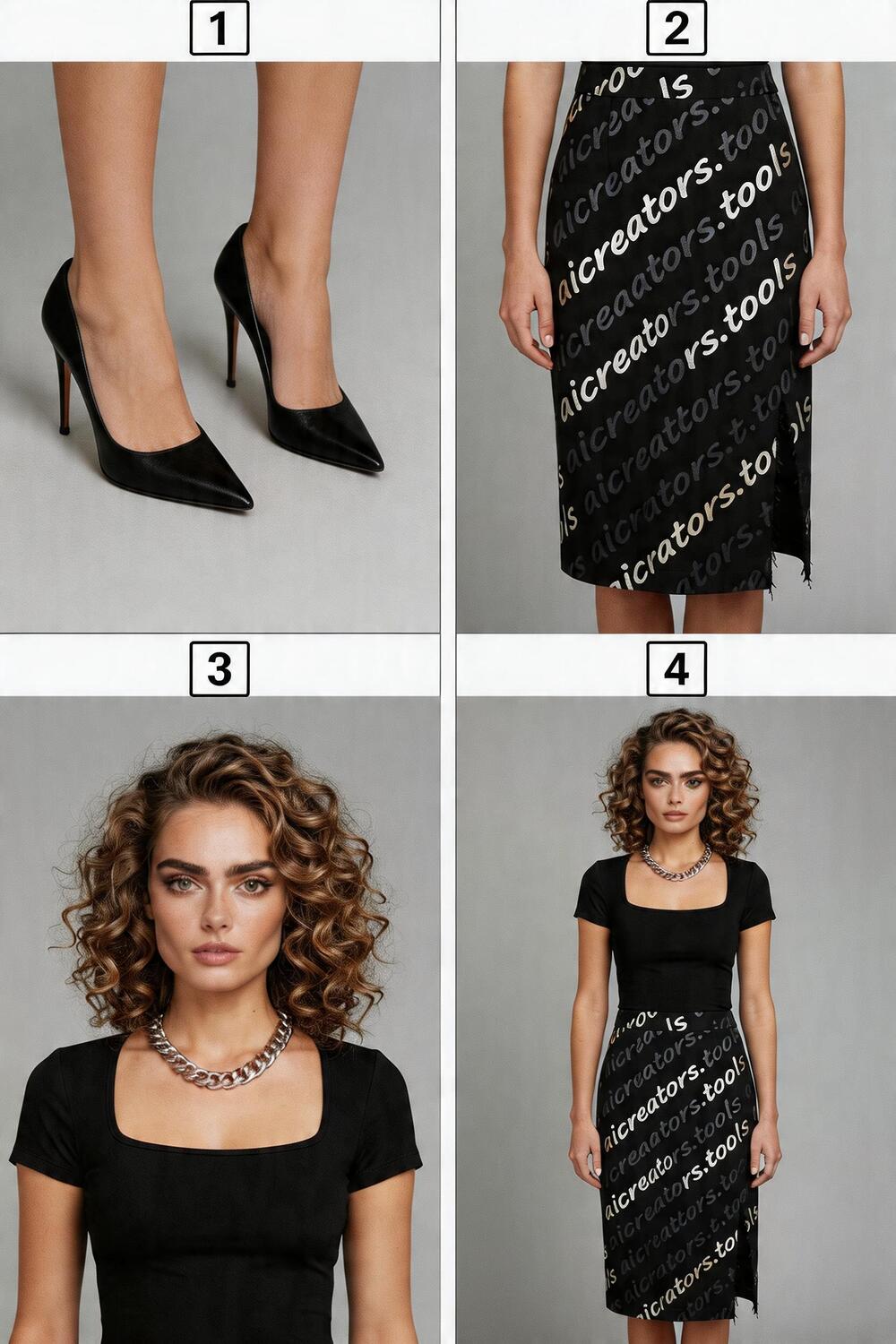
Generated on April 22, 2026:

Generated on April 22, 2026:

Generated on April 22, 2026:

Generated on April 22, 2026:

Generated on April 22, 2026:

Generated on April 22, 2026:

Latest Magnific (Freepik) News
April 28, 2026
Freepik rebrands as Magnific.
February 26, 2026
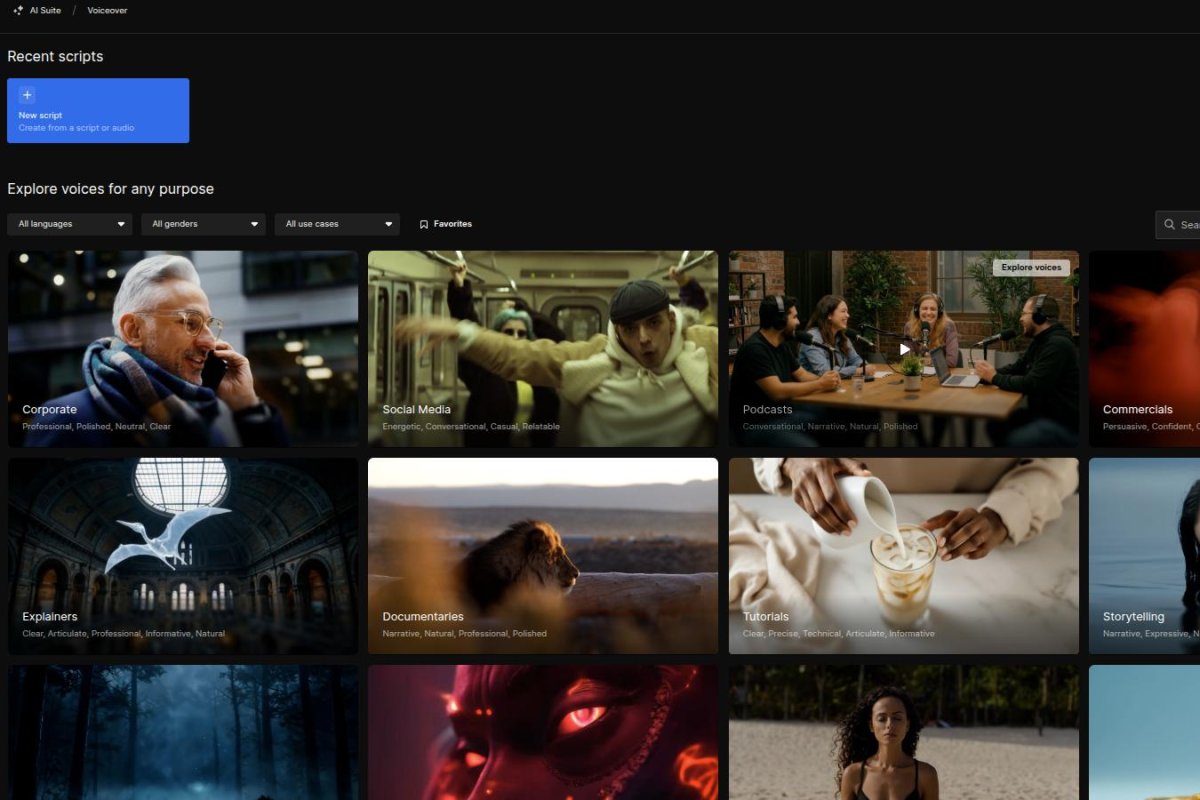
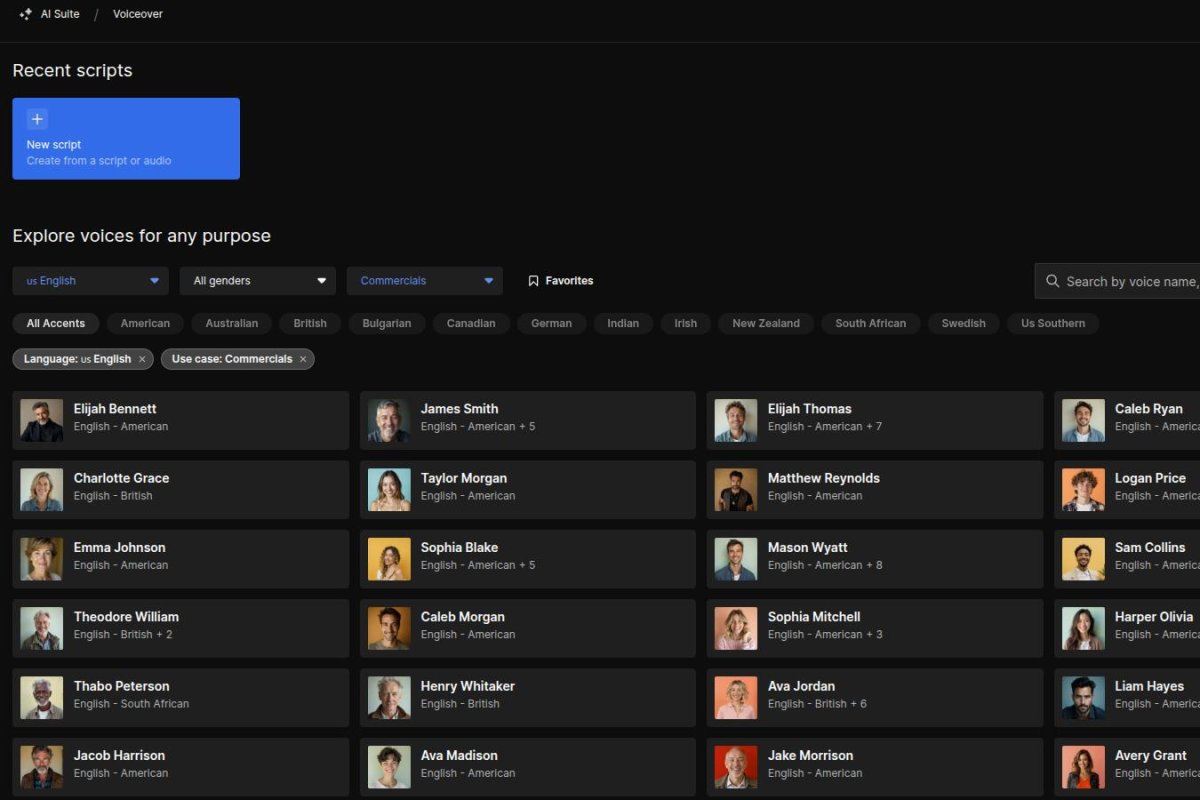
Freepik has turned Freepik Spaces into a full audio and video studio. It now includes three audio nodes for different workflows.
Voiceovers. Run by Gemini and ElevenLabs and made for quick narration.
Loopable sound effects. Short clips from 3 to 30 seconds that repeat smoothly.
AI music. The system creates music based on user input.
Users can connect these tools to the Video Generator to improve their video workflow. It brings everything into one place
January 24, 2026
Freepik added a new Video Colour Grading tool. You just upload or make a video, open the Clip Editor and it’s right there.
There are many presets you can pick to change how your video looks.
It helps keep your scenes looking more consistent.
December 20, 2025
Holiday Sales - Up to 70% off - discount applied on annual plans until Dec. 23
November 25, 2025
Use coupon code BLACK25ADS on Freepik for 50% off annual plans & fewer credits per video. Offer valid until Nov. 27.
Freepik clarifies, that the annual plan already has a built-in 37% discount. For Black Friday, instead of giving a full 50% on top of that, they just add enough to hit a total 50% off the base monthly rate.
They're saying the Black Friday deal gives you 50% off compared to paying monthly for a full year. So it’s not 50% off the already-discounted yearly plan... it’s 50% off the total you'd pay if you went month-to-month for 12 months.
Useful Links
No additional links available for this tool.
This page was last updated on April 29, 2026 at 12:00 AM