This is an AI image generation comparison for
image-to-image  prompt:
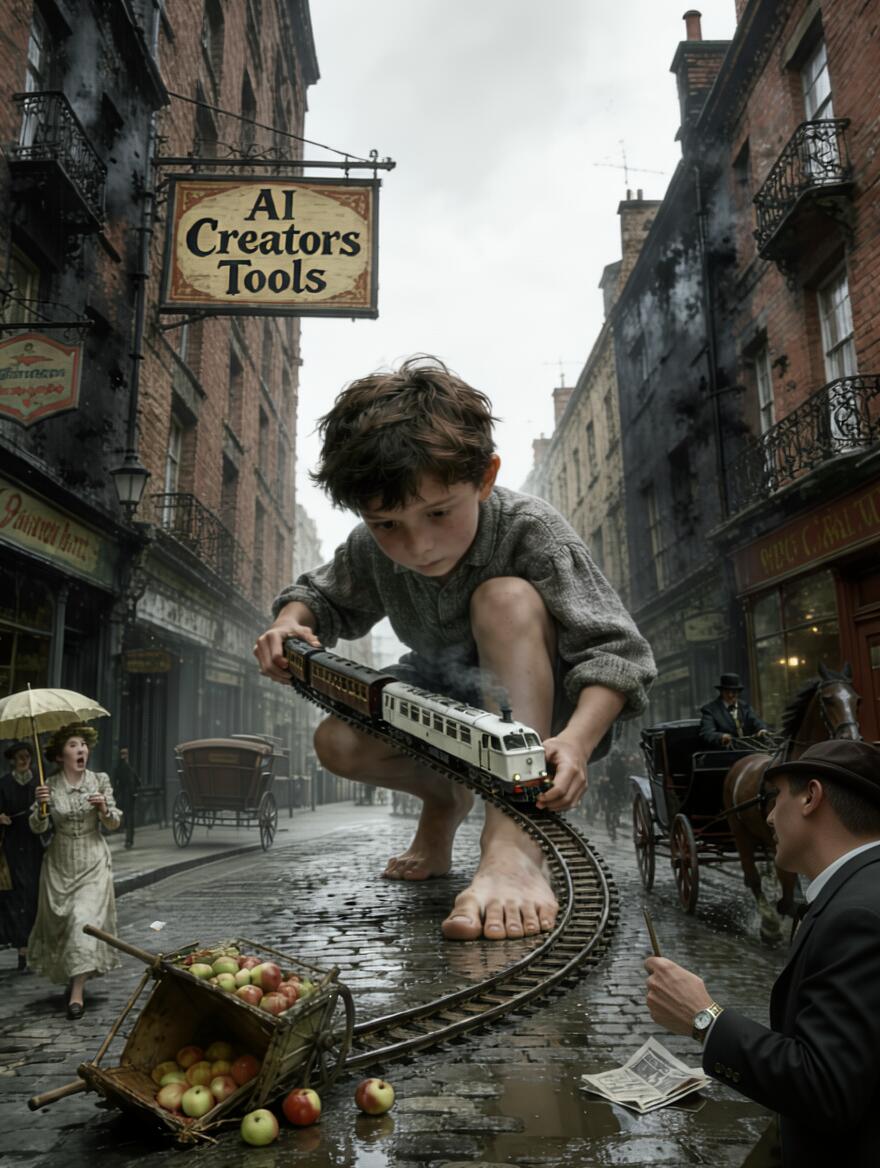
Bottom right corner - redraw man's arm holding the watch, specifically elbow area removing an artifact which looks like a bag or purse. In center-left, behind horse carriage and directly below boy's knee erase what looks like deformed horse part. Preserve all else intact....
Log in to see full prompt.

Tested: December 11, 2025
Nailed the editing task.
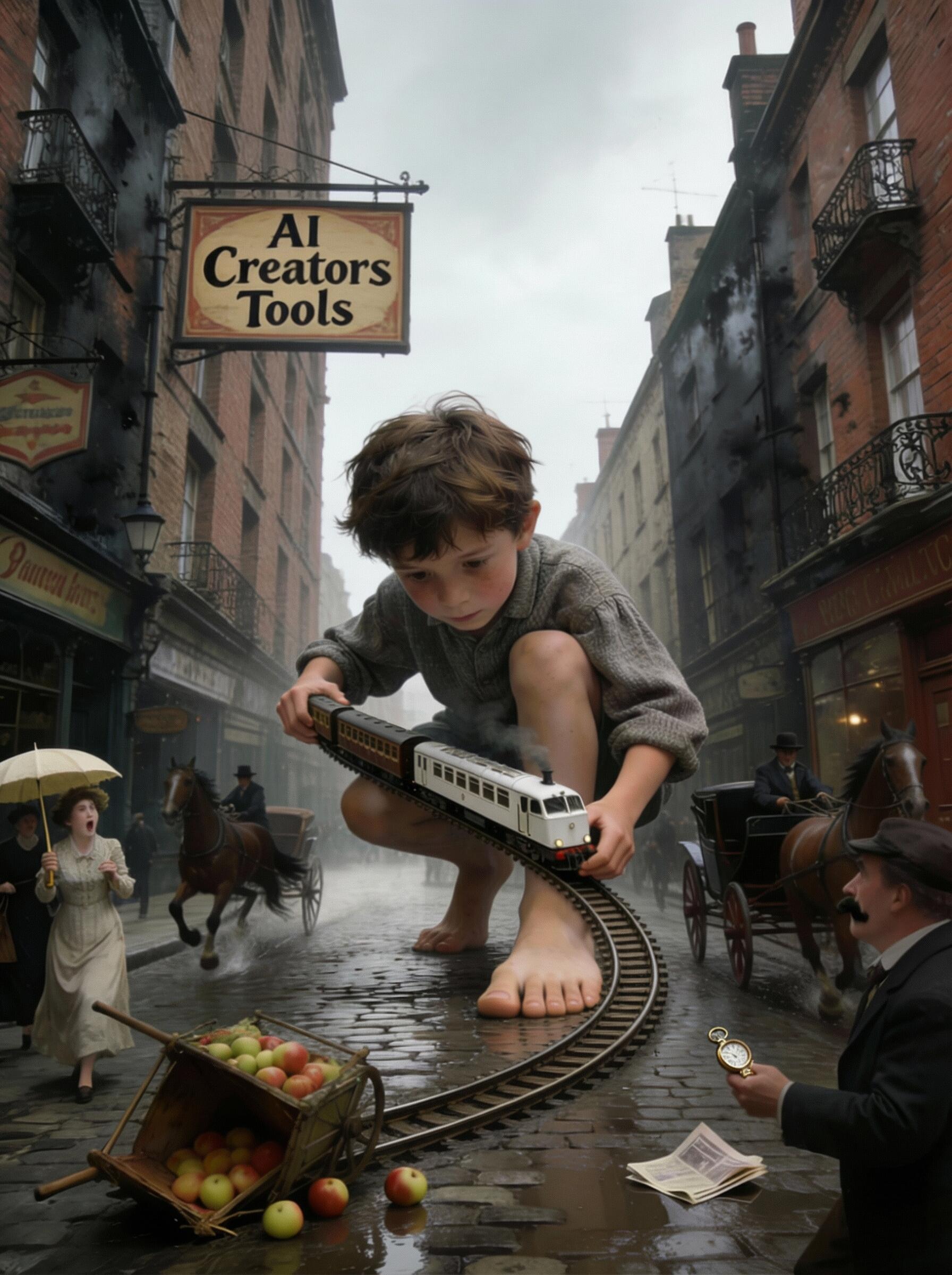
Tested: December 11, 2025
Nailed the editing task.
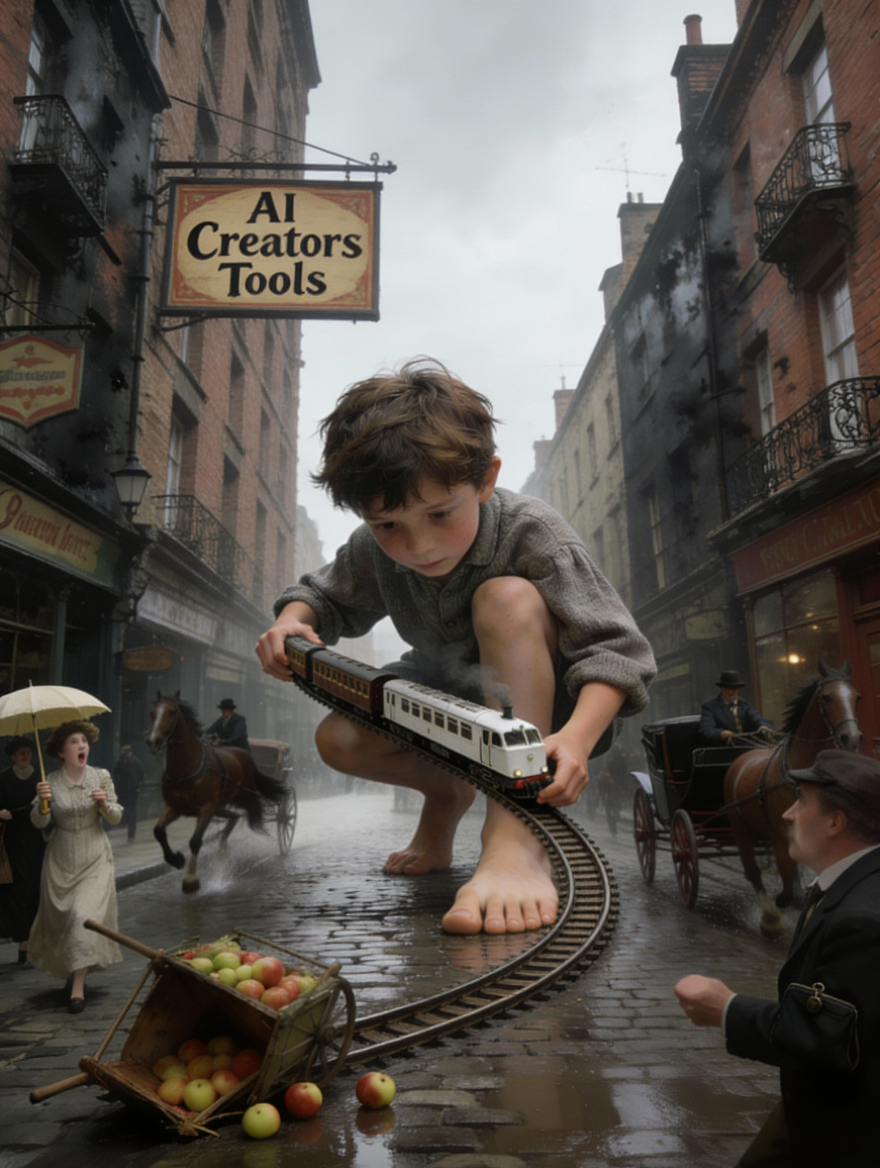
Tested: December 11, 2025
Reve handles one of the tasks right. The man's still holding a purse through his arm, his hand is now disfigured missing the watch. Newspaper vanished.
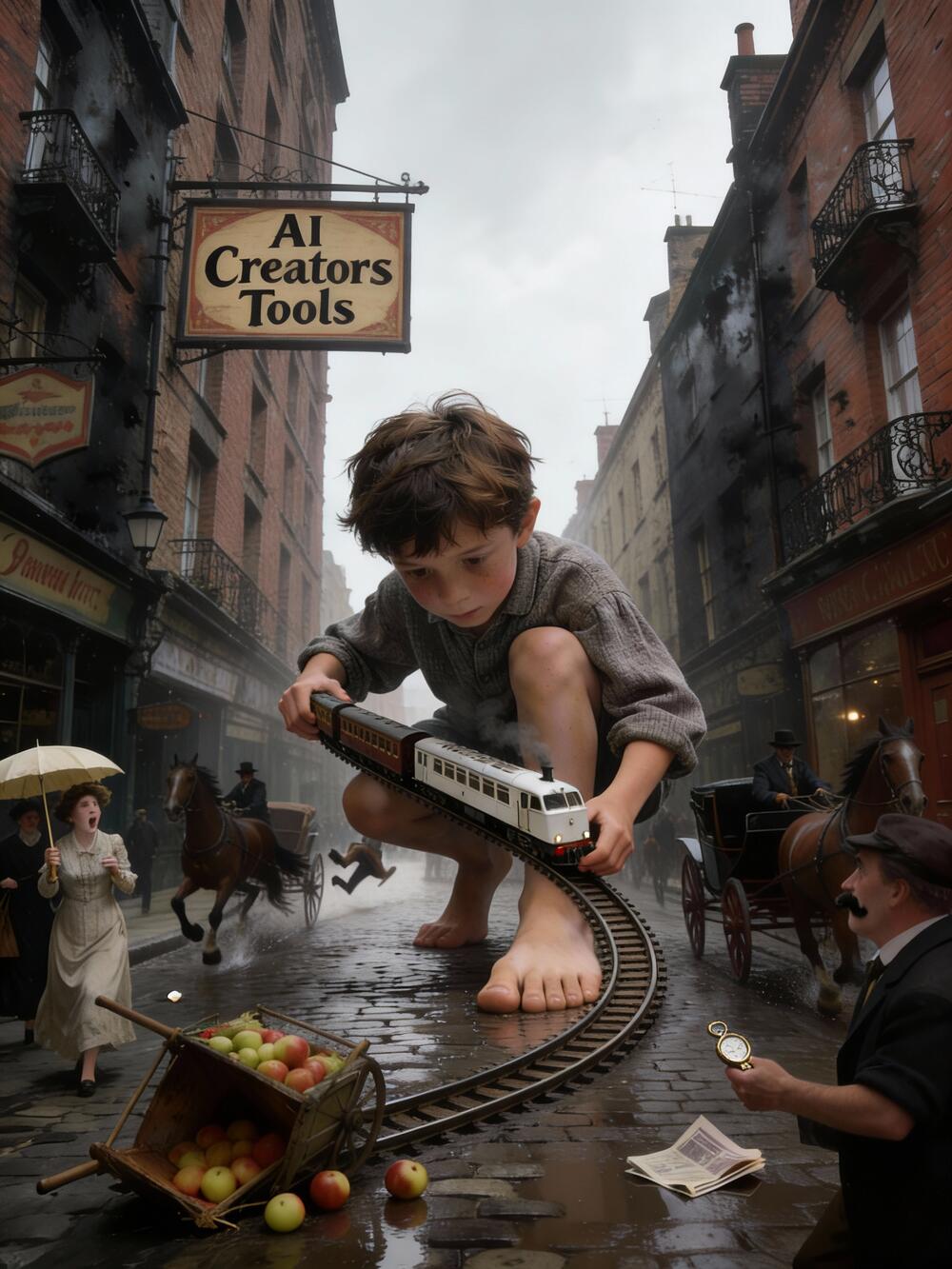
Tested: December 11, 2025
Failed both tasks.
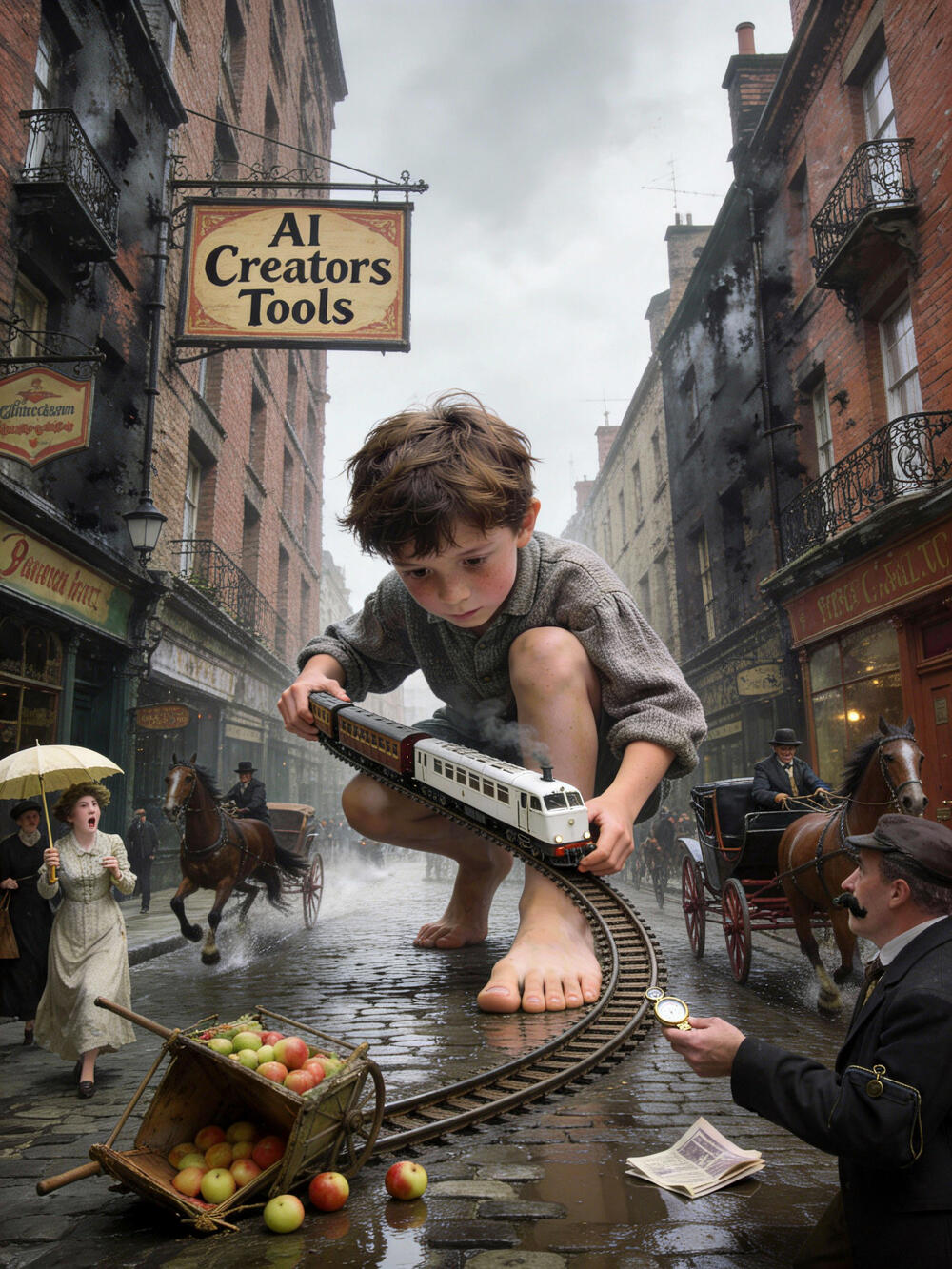
Tested: December 11, 2025
Nailed horse artifact but man's purse is still floating in the air by his elbow.
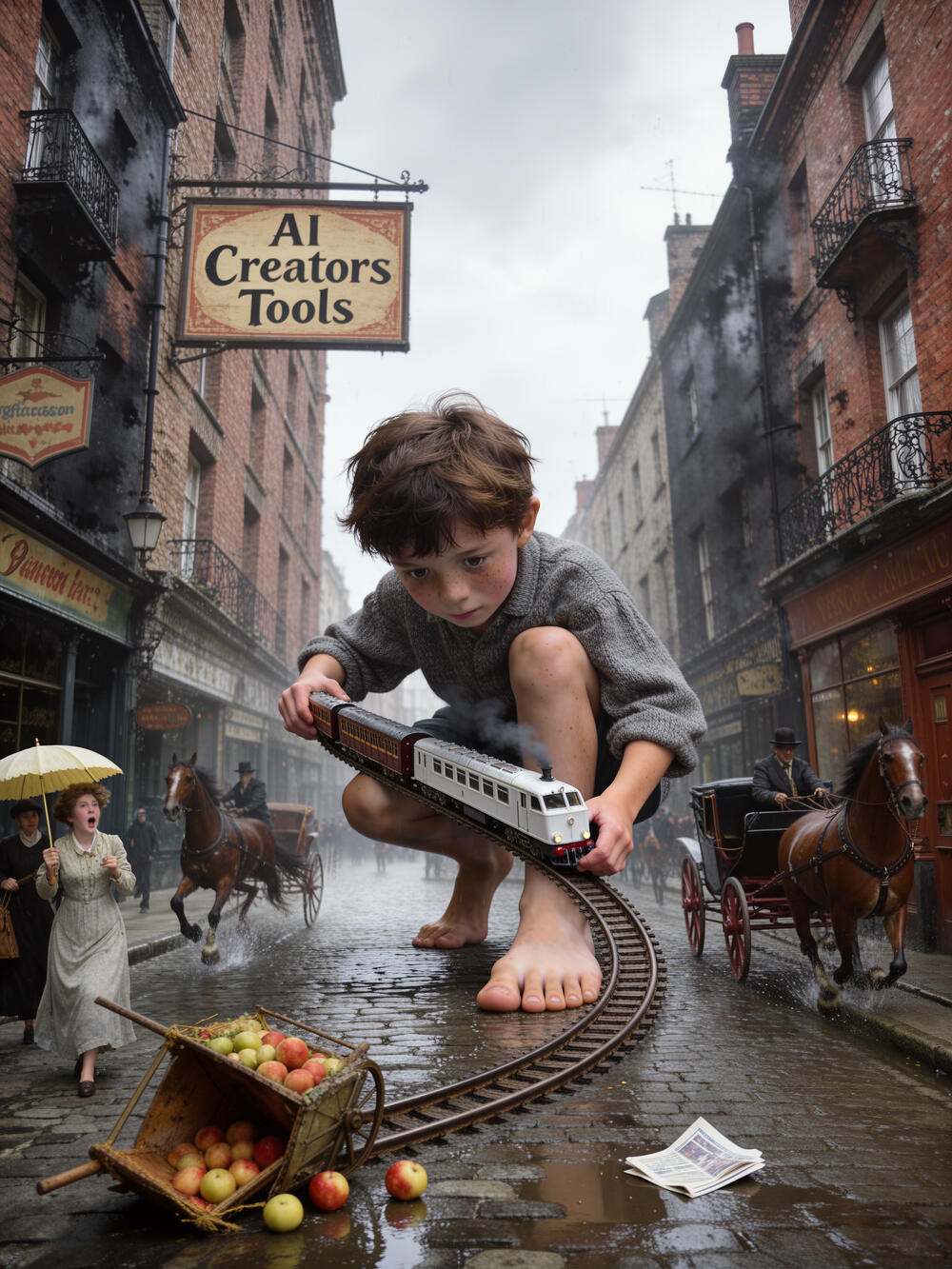
Tested: December 11, 2025
Flex seems to go heavy on the erase button) Man's vanished.

Tested: December 12, 2025
Qwen removes the whole horse carriage on the left as well. Man's elbow is cleaned up nicely, but so is his moustache.
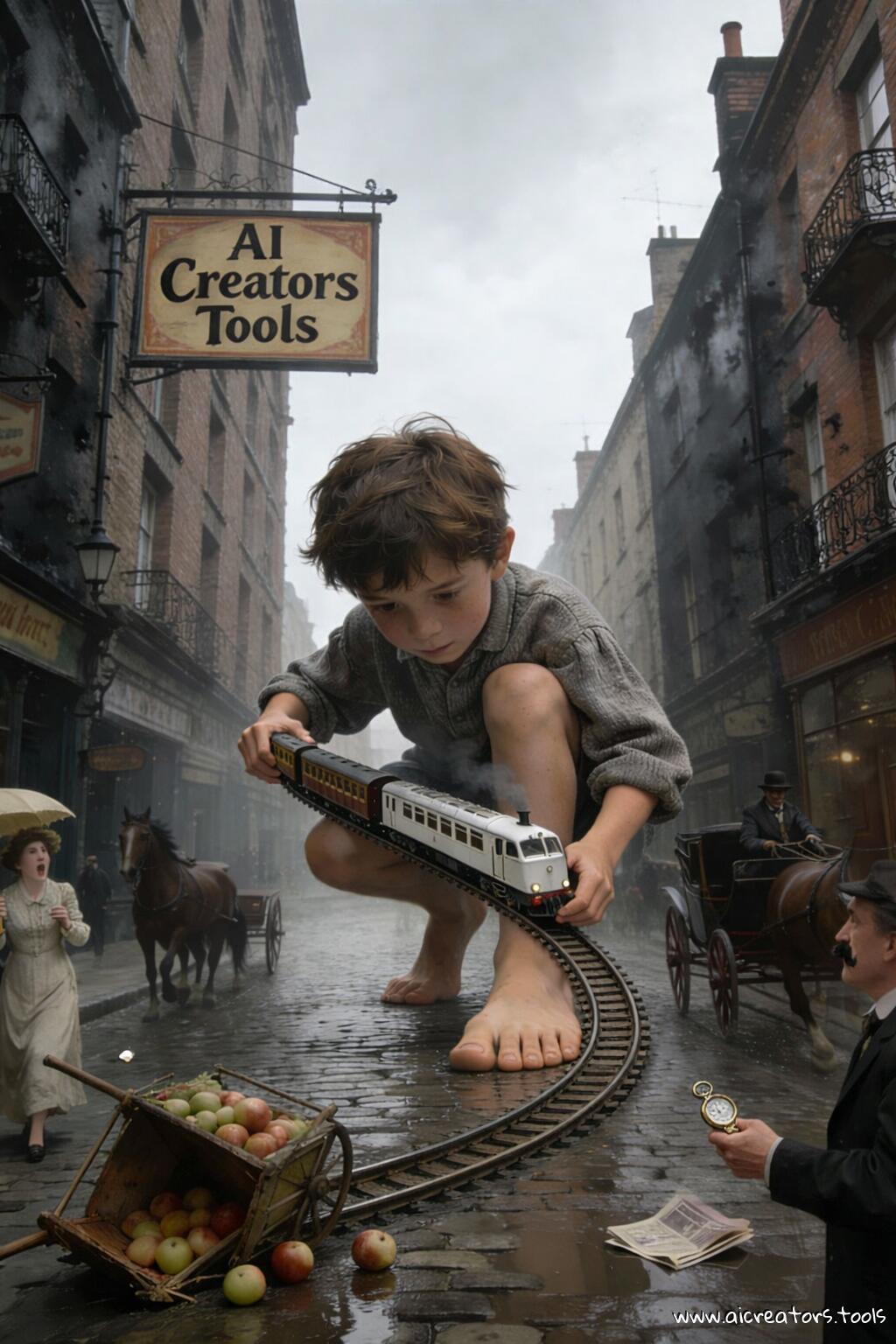
Tested: December 17, 2025
Nailed the editing task straight up. Well, almost .. the horse carriage driver is gone on left side.
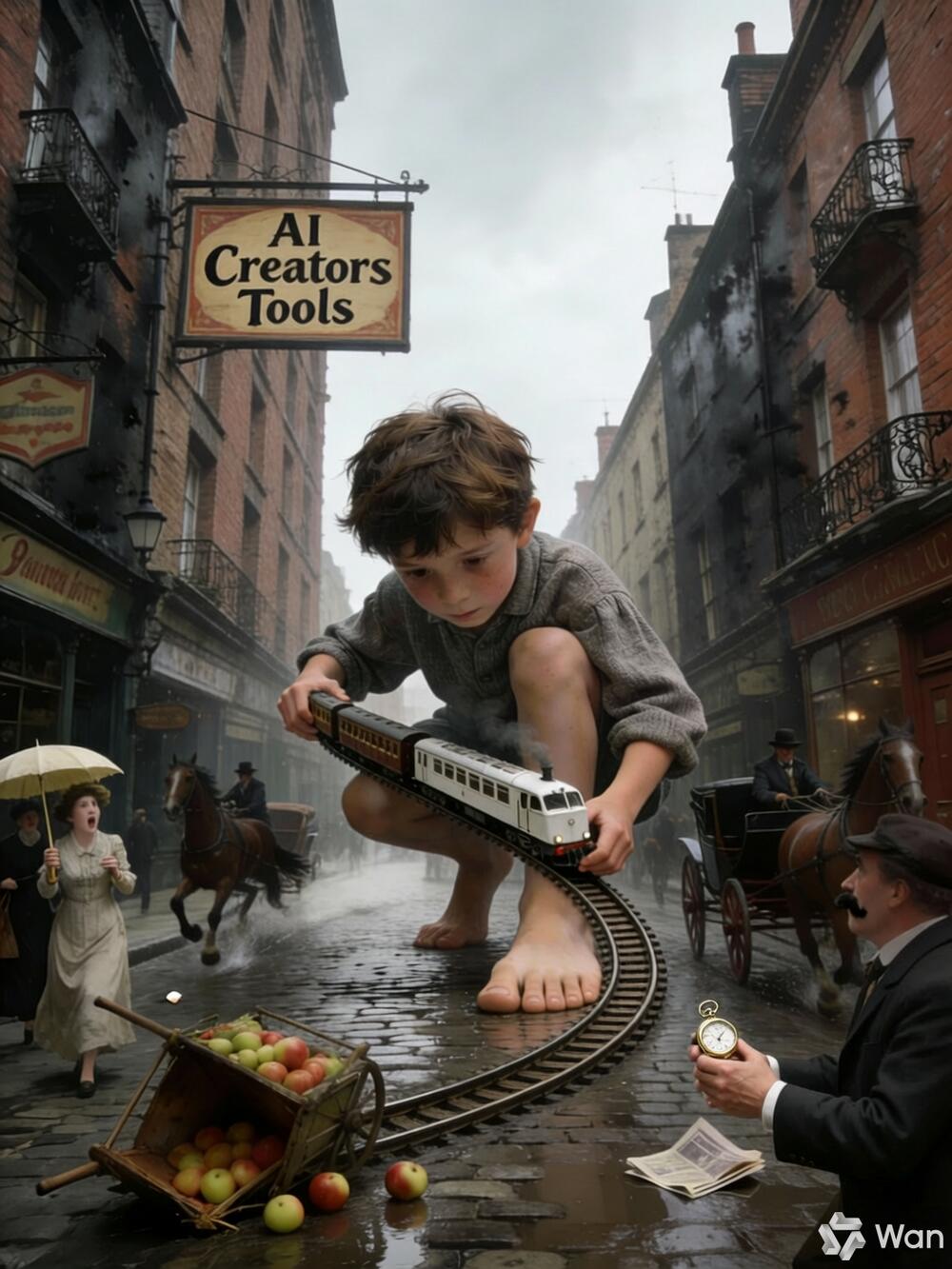
Tested: December 18, 2025
Two out of four results tend to come out good. Great prompt understanding and following.

Tested: December 23, 2025
HuggingFace's spaces cropped the output bc I gave resolution 864x1152 and height and width are mixed up there. The horse-ish artifact on left got removed, while the purse is still visible on right.

Tested: December 23, 2025
Quite disasterous, added a new artifact and removed none. Image is also slightly skewed, proportions are messed up.
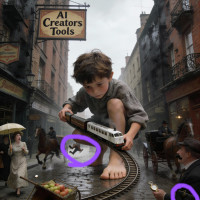
Tested: January 16, 2026
Removed the horse as well. Fixed man's elbow area but also changed his face

Tested: February 9, 2026
Riverflow 2.0 Pro Edit test. This generation cost was $0.135 in 1K resolution through WaveSpeed, taking quite a bit of time, on par or longer than Nano Banana Pro, but it was worth the wait. The result is perfect.

Tested: February 27, 2026
One of the 2 issues fixed. But the horse-ish artifact on left might've gotten worse

Tested: March 8, 2026
Done pretty well: both tasks completed, but on its own it decided to introduce man's second hand into view. Which looks fine. Used HF Spaces for this test.

Tested: April 22, 2026
Quite literally 'cutting corners' in ths one, cunning GPT. Just cuts out the elbow zone entirely where the artifact is expected to be erased from.
 Is the man’s arm in the bottom-right corner visibly redrawn with clean anatomy at the elbow area?
Has the artifact resembling a bag or purse been completely removed?
In the center-left area, behind the horse carriage and below the boy’s knee, has the deformed horse part been erased?
Do the watch and the other horse carriage remain clearly visible and unaffected by the edit?
Are all other regions of the image left unaltered?
Is overall image sharpness and texture preserved (no over-smoothing or patchiness)?
Check out the results from Magnific (Freepik) (Seedream 4.5) vs Magnific (Freepik) (Nano Banana 2.0) vs Reve (Reve Image 1.0) vs Magnific (Freepik) (Seedream 4.0) vs Magnific (Freepik) (FLUX.2 [pro]) vs Magnific (Freepik) (FLUX.2 [flex]) vs Qwen Image & Video Generator (Qwen-Image-Edit 2509) vs ChatGPT's Image Generator by OpenAI (GPT Image 1.5) vs Wan (Online Platform) (Wan 2.6 Image) vs Hugging Face (Qwen-Image-Edit-2511) vs Fal AI (Qwen-Image-Edit-2511) vs Comfy Cloud (FLUX.2 [klein] 4B) vs WaveSpeedAI (Riverflow 2) vs Magnific (Freepik) (Nano Banana 2) vs Hugging Face (FireRed Image Edit 1.1) vs ChatGPT's Image Generator by OpenAI (GPT Image 2.0) for similar or identical prompts side-by-side.