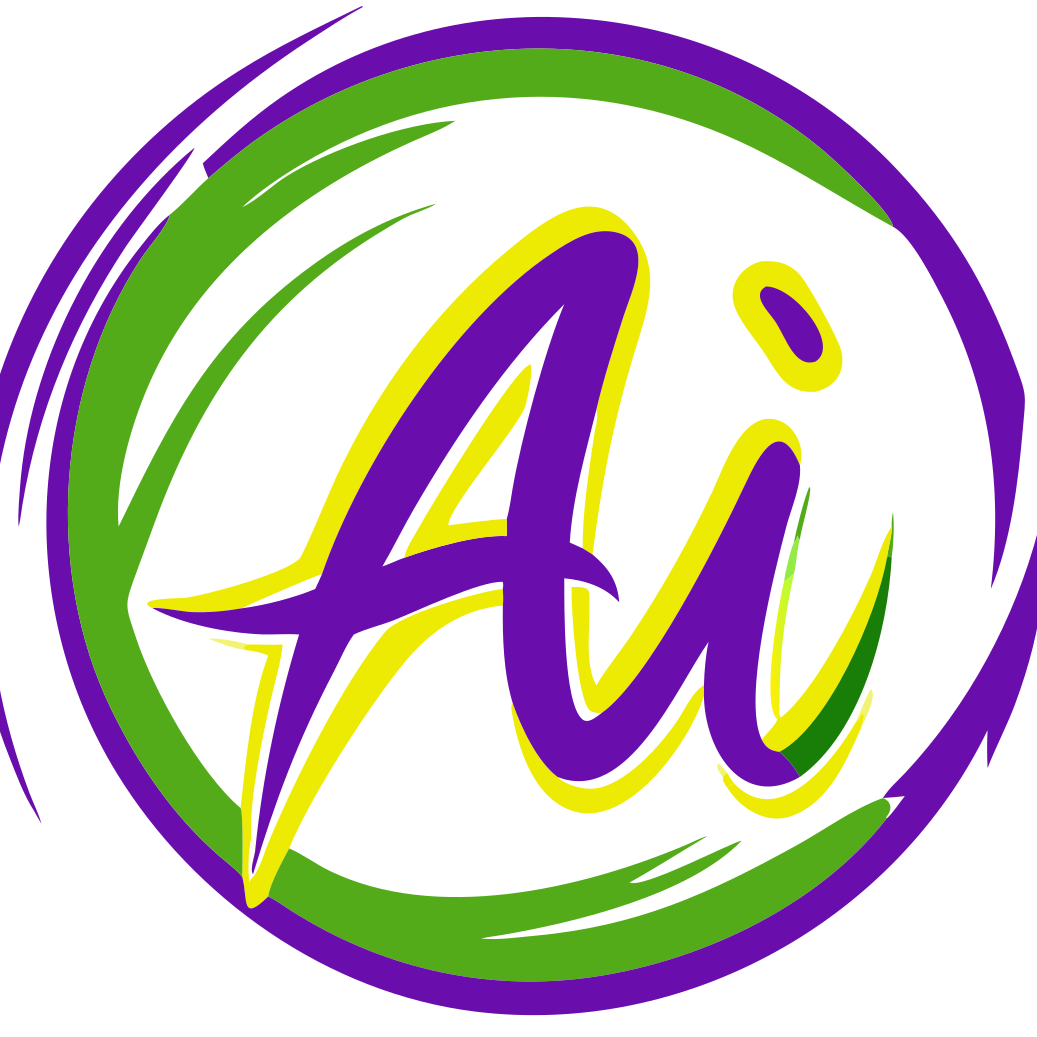
Arrow 1.1 by QuiverAI is an AI tool released in late April 2026 that turns images and prompts into clean editable SVG code.
QuiverAI is a company working on AI tools for design workflows.
The model does not work like normal image makers or basic vector tracing tools, but builds SVGs as structured code from the start, instead of tracing pixel based images after the fact.
That matters because regular vector tools often make messy files. They can fill SVGs with too many points, uneven paths and shapes that are hard to edit. Arrow tries to build vectors more like a designer would, with cleaner shapes, grouped parts and control points that make more sense.
Version 1.1 improves on older versions with better layout, cleaner structure and more visual detail. QuiverAI says the files also look better and are easier to edit in tools like Adobe Illustrator and Figma. That makes it useful for branding work, UI systems and large scale asset creation.
The model also seems built for production use. QuiverAI says Arrow 1.1 cuts SVG generation cost by about 33 percent and vectorization cost by 50 percent. So it could work well for teams making icon libraries or large design systems.
There is also Arrow 1.1 Max. This is the premium version with higher precision, cleaner shapes and better control in more complex layouts. It looks aimed at technical drawings and detailed illustrations.
Arrow 1.1 can make SVGs from text prompts. It can also turn raster images into editable vectors. The output is structured SVG code, with clean paths, better control points and grouped layers that are easier to edit. The files stay light and scalable, which helps for web and print work.
Its feature set seems to include text to image, image to image and direct SVG image generation. It also appears useful for keeping icon packs or brand assets consistent. And it may support reference based workflows in vectorization tasks.
Common uses include logo and wordmark ideas, brand asset updates and icon pack creation. It also fits UI work, scalable components and bulk asset pipelines for apps or websites. You could use it to turn sketches, screenshots or raster images into vectors. It also works for diagrams, line art and other clean illustration work.
If you'd like to access this model, you can explore the following possibilities: