Run ComfyUI in your browser with no setup. Comfy Cloud gives you high-end GPU power, ready-made models, and easy AI workflows straight from the cloud. Access a library of 200+ pre-installed models.
Comfy Cloud hit public beta in Novemmber 2025. You can now run ComfyUI in a browser without setting anything up. Just start a session, pick a model from the list, and build AI workflows for stuff like images, video, 3D or sound. No need to install anything or deal with hardware.
The service comes from the folks who made ComfyUI, known for its node-based layout where you build stuff by linking blocks instead of clicking through menus. That’s been a big reason AI creators like it. Comfy Cloud runs on strong GPUs like the A100 40 GB. Models and tools are ready to go.
It’s made for people who don’t want to deal with setting up gear or buying pricey GPUs. You just pay for what you use. During the public beta each session maxes out at 30 minutes and you can only queue one workflow at a time.
Some stuff isn’t ready yet, like uploading your own models or running a few jobs at once. That’s “coming soon.”
As for pricing. The basic plan is $20 a month. You get about 8 GPU hours a day, access to fast GPUs, 200+ built-in models and 10 custom tools. Only active GPU time gets billed, so you’re not paying while it sits idle. You also get $10 credits to try partner tools.
For teams or folks with heavy jobs, there’s a custom-priced plan with dedicated GPUs and team tools.
Your stuff stays private too. Data is encrypted and only you can see it.
This cloud setup makes it easier to use ComfyUI if you're tired of installing updates or buying parts. It’s a paid shortcut, but you still have the free local option if that’s your thing.
Comfy Cloud adds faster GPUs, new tools, and changes prices. They now use RTX 6000 Blackwells, said to be twice as fast as A100s. Everyone’s already upgraded. These GPUs have 96GB VRAM and 180GB RAM, which lets you do heavier stuff like video upscaling.
You can now upload LoRAs. Starting Dec 8, users on the new Creator plan can upload LoRAs from Civitai, with HuggingFace support coming later.
Credits run everything now. Comfy Credits replace separate payments. You’ll get one balance for GPU time and partner nodes. Workflows now use credits based on runtime, about 0.39 credits per second.
New plans drop Dec 8. Old users get a Founder’s plan with 30% more monthly credits if they keep their plan active. That’s 5460 credits instead of 4200.
Educators and TrainersCreative ProfessionalsContent CreatorsMedia and Film MakersMarketing and Branding SpecialistsVoice and Audio ProfessionalsDevelopers and Tech CreatorsSmall Business OwnersEntertainment and Performance ArtistsProfessional Content Creators
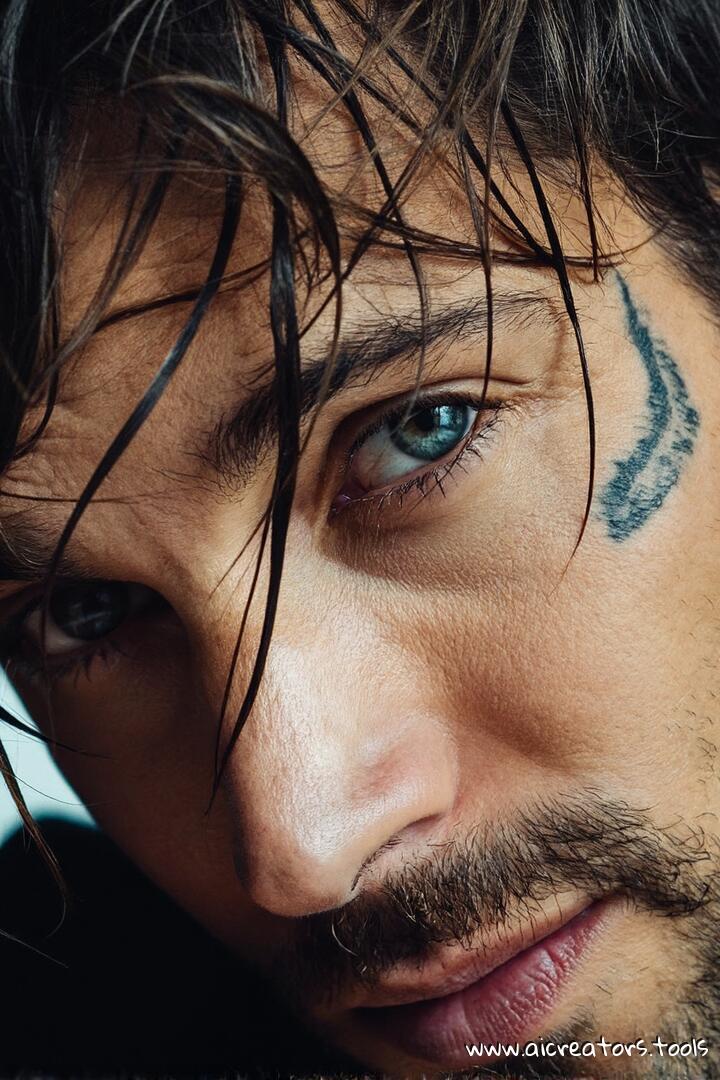
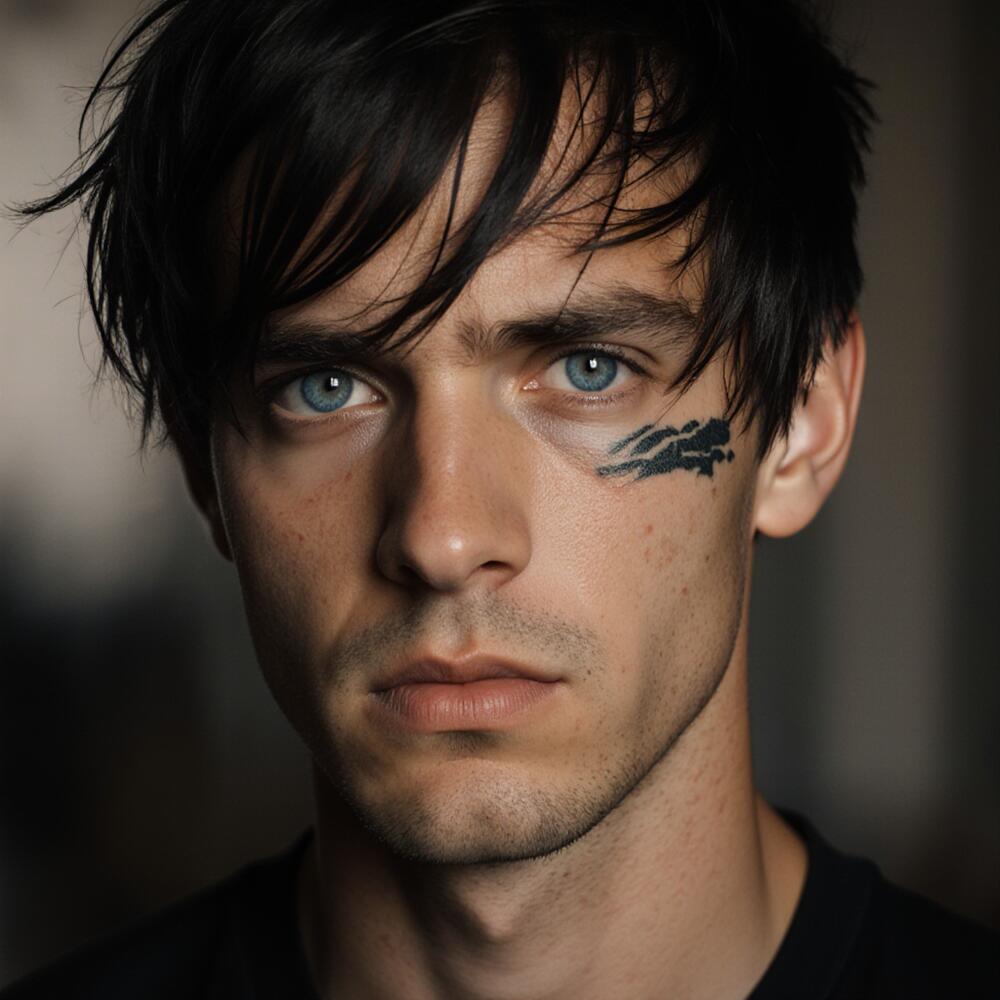
An extreme closeup shot of a 30-year-old man with tan skin and messy dark hair falling over his face. He’s staring straight at the camera with cold light-blue eyes that kinda stop you. Strands of his hair catch the light and frame his look. There’s a clean tattoo on the side of his face running from cheek to temple. It’s got a bit of rough texture that stands out against his smooth skin. The lighting’s sharp and moody. It throws some parts in shadow while showing off the details in his skin and the wet bits of hair. The background’s a blur, keeping all focus on him. Shot with a telephoto lens and a shallow depth of field. The image’s super clear, pulling out every little thing - from the look in his eyes to the way his hair sits. The whole vibe feels raw, personal, and a little gritty.
Negative prompt: lowres, worst quality, CGI, anime, distorted anatomy, deformed body, malformed limbs, unrealistic proportions, cartoon anatomy, anime proportions, bad anatomy, extra limbs, missing limbs, facial distortion, bad face, distorted face, overprocessed skin, pixelated, compression artifact
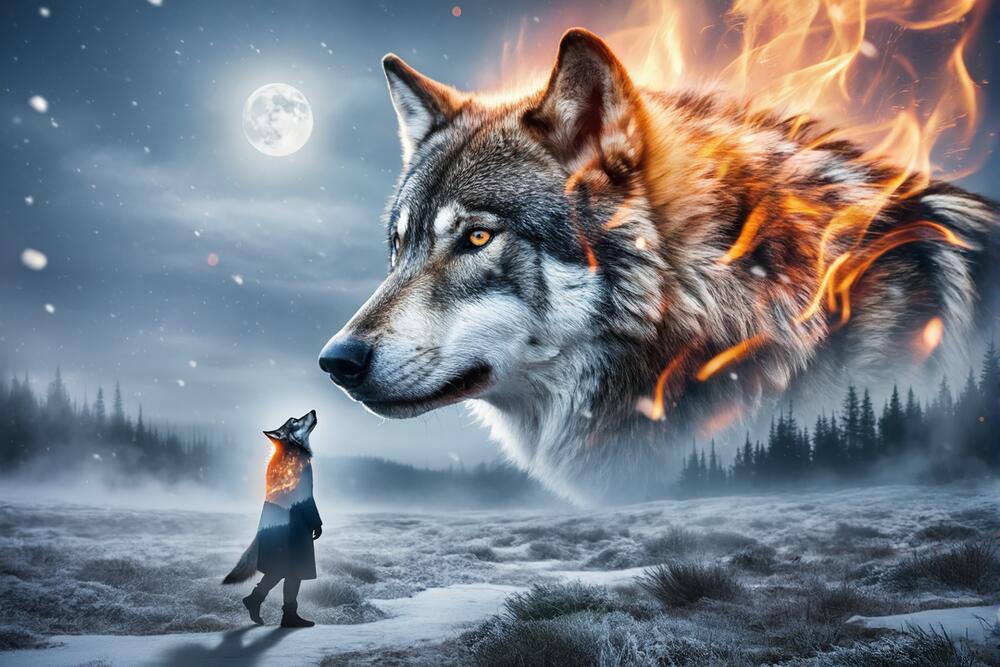
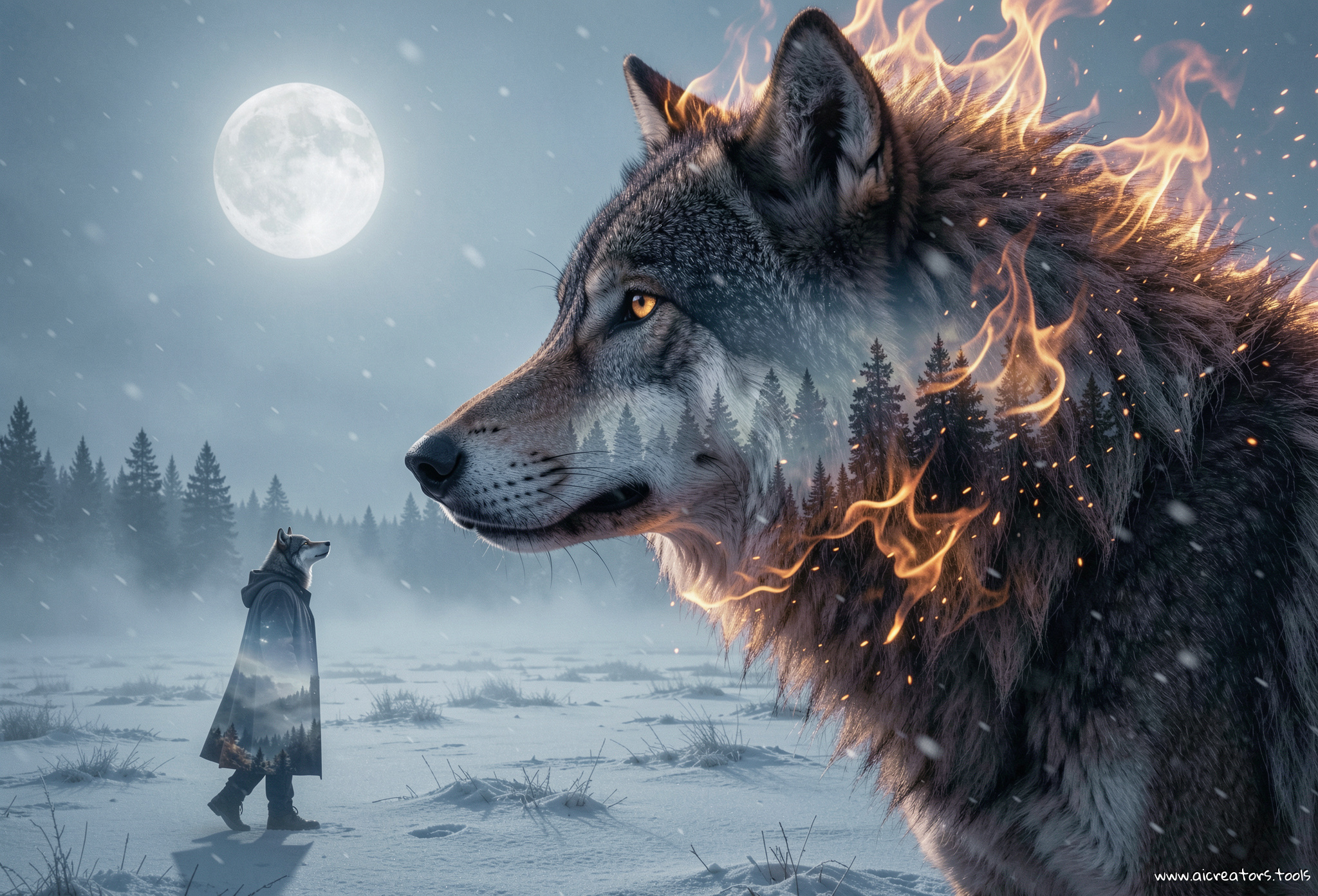
A colossal wolf dominates the right half of the frame, shown in sharp side profile facing left. Its head and upper torso fill most of the right side, creating an overwhelming, mythic scale. The wolf’s fur is deep charcoal and black, rendered with ultra-fine detail. From the neck and shoulder area, intense, living flames erupt outward, forming a fiery mane that replaces fur in places, with glowing embers and sparks trailing into the air. The wolf’s eye glows softly amber, calm, ancient, and watchful. In the lower-left foreground stands a lone humanoid wolf figure, small in scale and partially silhouetted. The figure has a wolf’s head and humanoid body, walking upright across the frozen field. It wears a long, dark coat or cloak that blends into the night, with minimal detail visible. Its posture is steady and purposeful, facing toward the horizon and subtly aligned toward the colossal wolf, looking up at it, implying kinship, fate, or inner duality rather than fear. The scene uses a pronounced double-exposure effect, seamlessly blending environments and symbolism: Within the fur and flames of the giant wolf, faint silhouettes of misty pine forests, drifting snow, and lunar light are visible, layered as if the landscape exists inside the wolf itself. The humanoid wolf figure subtly echoes this effect, with traces of frost, fog, and moonlight bleeding through its silhouette, giving it a semi-translucent, dreamlike presence. The environment is a frozen, open tundra, stretching across the frame. The ground is covered in frost and snow, textured with wind-swept patterns and low-lying mist. In the midground, a dark pine forest fades into fog, reinforcing depth and atmosphere. The sky is cold and ethereal, tinted blue-gray. A bright full moon hangs in the upper-left quadrant, casting soft, diffused moonlight across the scene. Light snow falls throughout the image, adding motion and softness. The composition emphasizes contrast and symbolism: Fire versus ice Giant wolf versus humanoid wolf External power versus internal identity The image feels cinematic, mythological, and introspective, with the double-exposure effect reinforcing themes of transformation and dual nature.
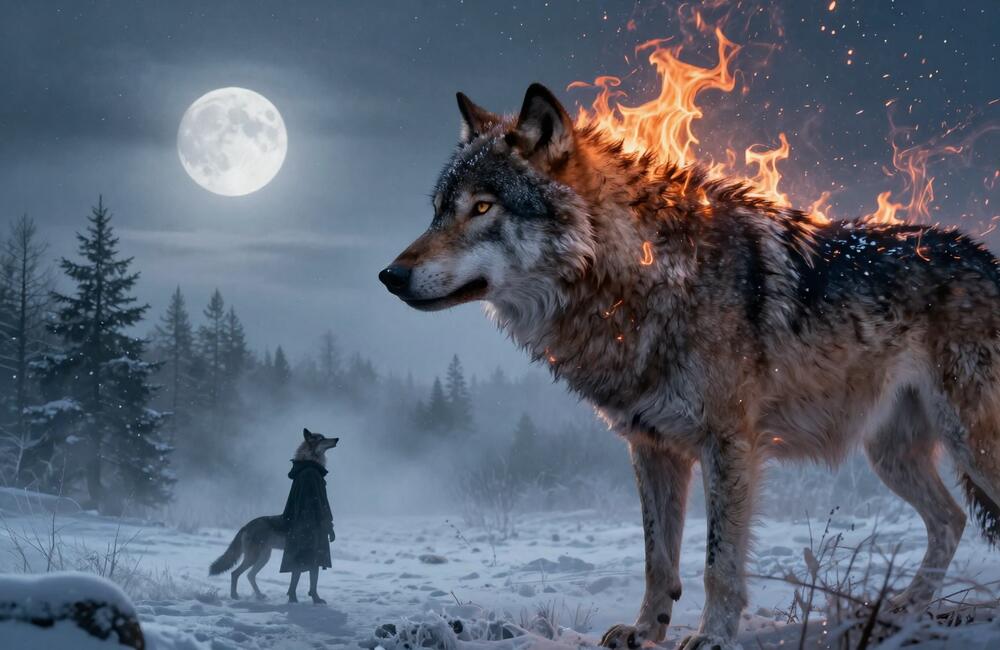
Turbo is having a hard time re-imagining a humanoid wolf, even if instructions tweaked to smth like "human-like wolf figure with a wolf’s head and human body a dressed in coat and jeans, walking on two feet upright". Otherwise it's pretty. No double-exposure though.
A colossal wolf dominates the right half of the frame, shown in sharp side profile facing left. Its head and upper torso fill most of the right side, creating an overwhelming, mythic scale. The wolf’s fur is deep charcoal and black, rendered with ultra-fine detail. From the neck and shoulder area, intense, living flames erupt outward, forming a fiery mane that replaces fur in places, with glowing embers and sparks trailing into the air. The wolf’s eye glows softly amber, calm, ancient, and watchful. In the lower-left foreground stands a lone humanoid wolf figure, small in scale and partially silhouetted. The figure has a wolf’s head and humanoid body, walking upright across the frozen field. It wears a long, dark coat or cloak that blends into the night, with minimal detail visible. Its posture is steady and purposeful, facing toward the horizon and subtly aligned toward the colossal wolf, looking up at it, implying kinship, fate, or inner duality rather than fear. The scene uses a pronounced double-exposure effect, seamlessly blending environments and symbolism: Within the fur and flames of the giant wolf, faint silhouettes of misty pine forests, drifting snow, and lunar light are visible, layered as if the landscape exists inside the wolf itself. The humanoid wolf figure subtly echoes this effect, with traces of frost, fog, and moonlight bleeding through its silhouette, giving it a semi-translucent, dreamlike presence. The environment is a frozen, open tundra, stretching across the frame. The ground is covered in frost and snow, textured with wind-swept patterns and low-lying mist. In the midground, a dark pine forest fades into fog, reinforcing depth and atmosphere. The sky is cold and ethereal, tinted blue-gray. A bright full moon hangs in the upper-left quadrant, casting soft, diffused moonlight across the scene. Light snow falls throughout the image, adding motion and softness. The composition emphasizes contrast and symbolism: Fire versus ice Giant wolf versus humanoid wolf External power versus internal identity The image feels cinematic, mythological, and introspective, with the double-exposure effect reinforcing themes of transformation and dual nature.
A colossal wolf dominates the right half of the frame, shown in sharp side profile facing left.
Its head and upper torso fill most of the right side, creating an overwhelming, mythic scale.
The wolf’s fur is deep charcoal and black, rendered with ultra-fine detail.
From the neck and shoulder area, intense, living flames erupt outward, forming a fiery mane that replaces fur in places, with glowing embers and sparks trailing into the air.
The wolf’s eye glows softly amber, calm, ancient, and watchful.
In the lower-left foreground stands a lone humanoid wolf figure, small in scale and partially silhouetted.
The figure has a wolf’s head and humanoid body, walking upright across the frozen field.
It wears a long, dark coat or cloak that blends into the night, with minimal detail visible.
Its posture is steady and purposeful, facing toward the horizon and subtly aligned toward the colossal wolf, looking up at it, implying kinship, fate, or inner duality rather than fear.
The scene uses a pronounced double-exposure effect, seamlessly blending environments and symbolism:
Within the fur and flames of the giant wolf, faint silhouettes of misty pine forests, drifting snow, and lunar light are visible, layered as if the landscape exists inside the wolf itself.
The humanoid wolf figure subtly echoes this effect, with traces of frost, fog, and moonlight bleeding through its silhouette, giving it a semi-translucent, dreamlike presence.
The environment is a frozen, open tundra, stretching across the frame.
The ground is covered in frost and snow, textured with wind-swept patterns and low-lying mist.
In the midground, a dark pine forest fades into fog, reinforcing depth and atmosphere.
The sky is cold and ethereal, tinted blue-gray.
A bright full moon hangs in the upper-left quadrant, casting soft, diffused moonlight across the scene.
Light snow falls throughout the image, adding motion and softness.
The composition emphasizes contrast and symbolism:
Fire versus ice
Giant wolf versus humanoid wolf
External power versus internal identity
The image feels cinematic, mythological, and introspective, with the double-exposure effect reinforcing themes of transformation and dual nature.
A hyper-realistic miniature scene of tiny chefs preparing a stack of golden pancakes on a real-sized ceramic plate. One tiny chef stands proudly atop a pad of butter slowly melting down the stack, arms crossed, surveying the syrup being poured. Another is mid-leap, suspended in the air as he flips a tiny strawberry onto the top with a spatula. Near the edge of the plate, a toy fire truck has its ladder extended, with two more chefs climbing up carrying sprinkles and a dollop of whipped cream. The lighting is soft and golden, with a shallow depth of field that keeps the focus tight on the tiny chefs and the pancake tower. Syrup glistens in the light, dripping down the sides in luscious ribbons. The atmosphere is whimsical and cinematic, evoking the tactile charm of miniature photography with real-world scale contrasts, all captured from a slightly low, close-up angle to make the viewer feel immersed in the action.
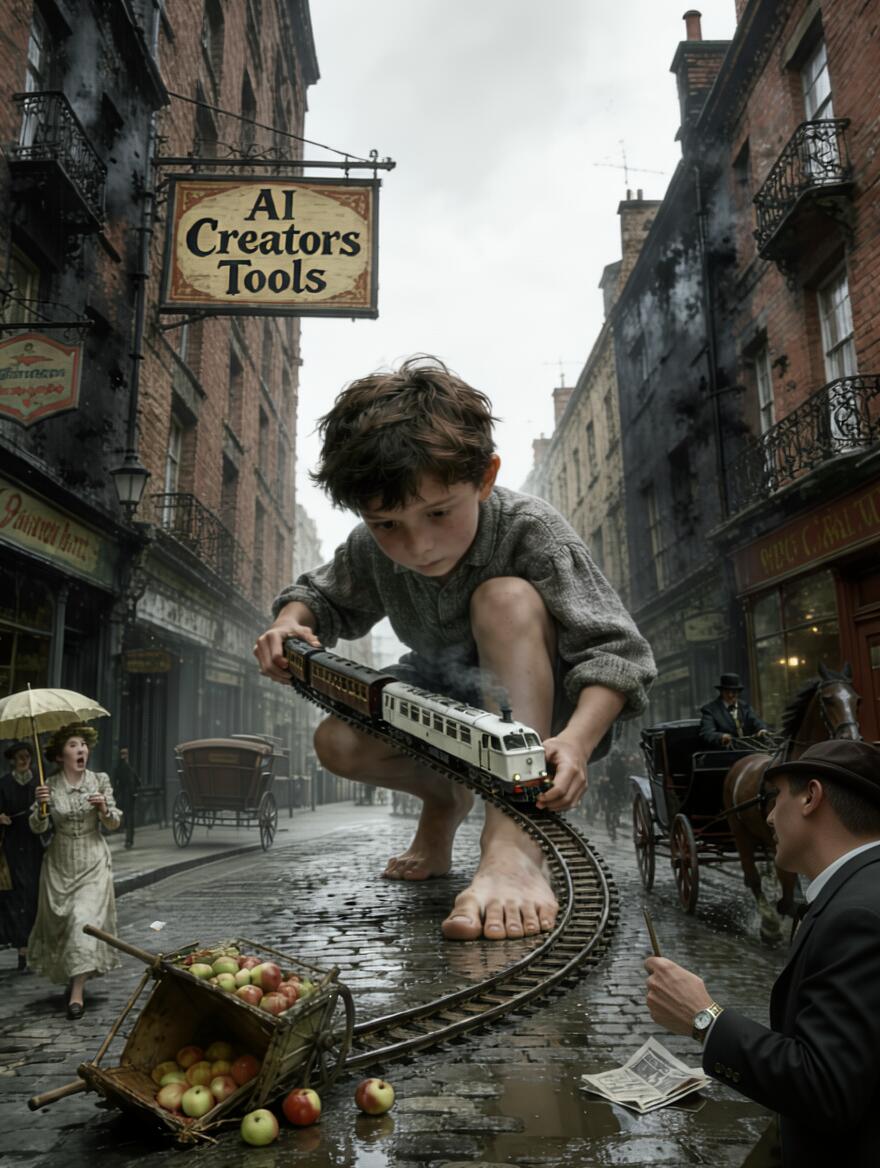
Bottom right corner - redraw man's arm holding the watch, specifically elbow area removing an artifact which looks like a bag or purse. In center-left, behind horse carriage and directly below boy's knee erase what looks like deformed horse part. Preserve all else intact.
A vintage wind-up monkey toy with drumsticks and a red drum at its base, frozen mid-motion on a timeworn table in a dark, dusty 1970s living room. The monkey’s eyes are wide, glassy, and unnervingly humanlike, catching a sliver of amber light that filters through tattered lace curtains behind it. Its grotesque plastic grin stretches unnaturally wide, showing off small, almost human teeth. Two drumsticks are raised slightly, as if it had just stopped clashing them. Resting between its legs is a small red drum, its surface cracked, with faded gold trim and tiny flecks of dried something — paint… or maybe not. The camera angle is slightly low, chest height, looking up, creating a subtle sense of unease, as though the toy is watching the viewer.
The room around it is a suffocating stillness — old plaid curtains on one side, a crooked lampshade barely illuminating the shadows where a dark silhouette lingers, just out of focus. Cinematic, grainy lighting, with floating dust motes, evokes a haunted nostalgia. The toy looks ready to move again, but no one is there to wind it.
Generated on December 3, 2025:
Eerie monkey toy, made with renderartist's Technically-Color-Z-Image-Turbo LoRA.
A closeup of a 24 year old woman in half-profile with long sraight platinum-white with shimmering-teal & amber highlights hair with her squinting blue eyes with subtle blue eyeshadow while blowing out thick large silver smoke slowly with large open mouth with pale-pink moist lips, left half of her face is in shadow, surreal realism with subtle gold shimmer brush strokes overlay on top, leaving eyes in clear view. Moody, surreal. Gold shimmer particles and bokeh effects overlaying in the foreground adding depth, film grain. her mouth is full of smoke
Generated on December 3, 2025:
Generated locally with a custom made LoRA added. Striking.
An older woman woman with short grey hair and a gentle, worn smile suddenly, magically, dynamically and cinematically turns younger! She raises both hands to cover her face. Mist sweeps past in front of her partly obscuring her. With a deep breath, she lowers her hands in one sweeping motion. Her younger self is revealed—radiant, calm, with longer, windblown hair done up in a careless fashion and a faint, knowing smile. Lightning strikes and clouds moving dramatically behind her
ComfyUI drops Dynamic VRAM optimization. Running local models is now possible on even the most memory constrained hardware.
feature
March 10, 2026
Two big updates just landed for the ComfyUI ecosystem.
1. App Mode. It puts the node graph power behind a simple interface. So people turn big messy workflows into small custom apps you can run with a few clicks... much easier to use.
2. ComfyHub. A new place where people can find, run and share workflows or apps fast using a link. You open a URL and try it right away.
feature
February 19, 2026
Seedance 2.0 is on its way to ComfyUI.
news
January 24, 2026
Comfy Cloud just got 30% cheaper.
It used to cost 0.39 credits per second. Now it's 0.266 credits per second.
· Standard. Time bumped from 3h to 4.4h
· Creator. Jumped from 5.27h to 7.73h
· Pro. Went from 15h to 22h
promo
January 12, 2026
You can now bring your favorite models straight into Comfy Cloud by just dropping a link from Civitai or Hugging Face.
No need to mess with downloads or file stuff. They’ll take care of it for you.
An open-source LoRA for LTX‑2.3 22B that locks generations into a real late-80s / early-90s CRT-monitor look — scanlines, phosphor glow, chromatic aberration, barrel curvature, dithering, signal noise, choppy limited-frame motion.



 LongCat-Video-Avatar 1.5